


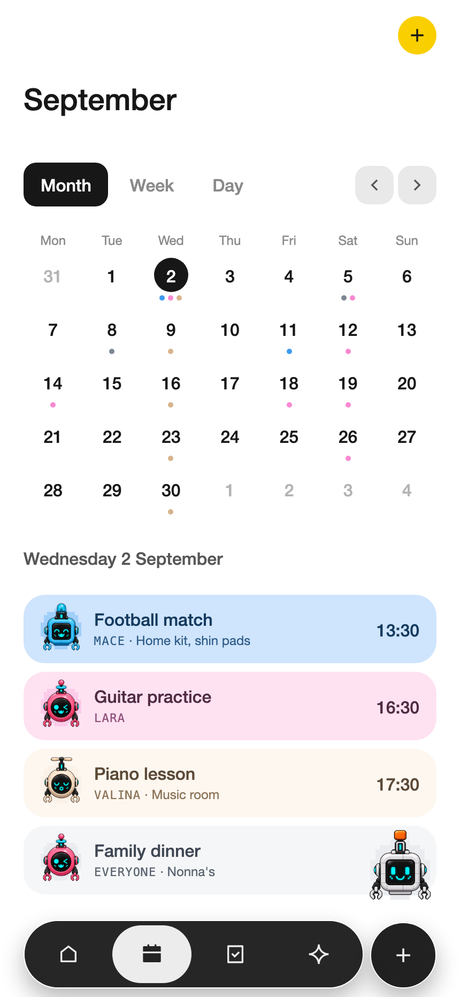
A shared family calendar
Everyone's events at a glance, colour-coded per person, so you can see the clash before it happens. Sync to your phone's calendar and nothing has to live in two places.
Your family's week in one calm place. A shared calendar, tasks everyone can see, keepsake moments and simple lists. No feed to scroll, and no notifications begging for attention.
Heading to the App Store soon. Beta families get it first.



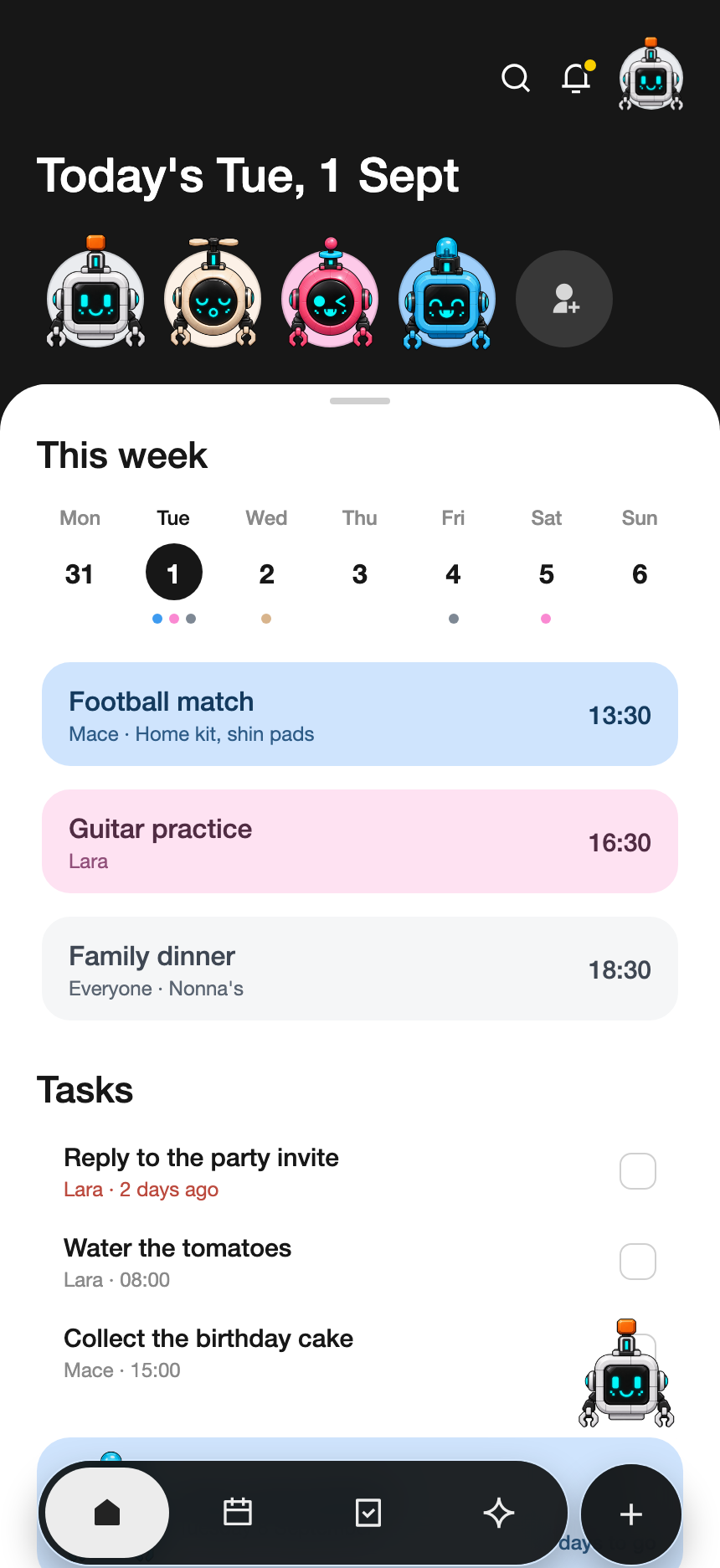
Not a productivity suite. Just the four things a household actually shares.
Everyone's events at a glance, colour-coded per person, so you can see the clash before it happens. Sync to your phone's calendar and nothing has to live in two places.

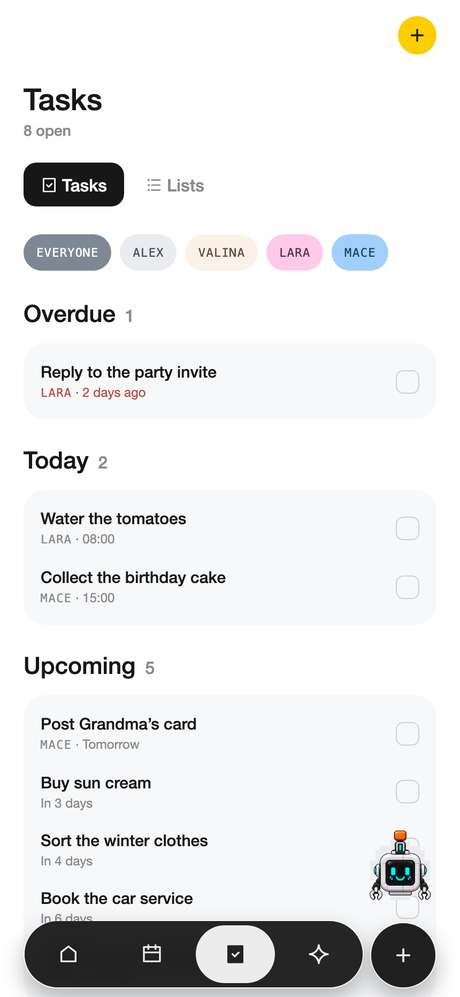
Assign who's doing what, tick things off, and get the mental load out of one person's head and onto a screen everyone shares. Reminders for what matters, quiet about what doesn't.

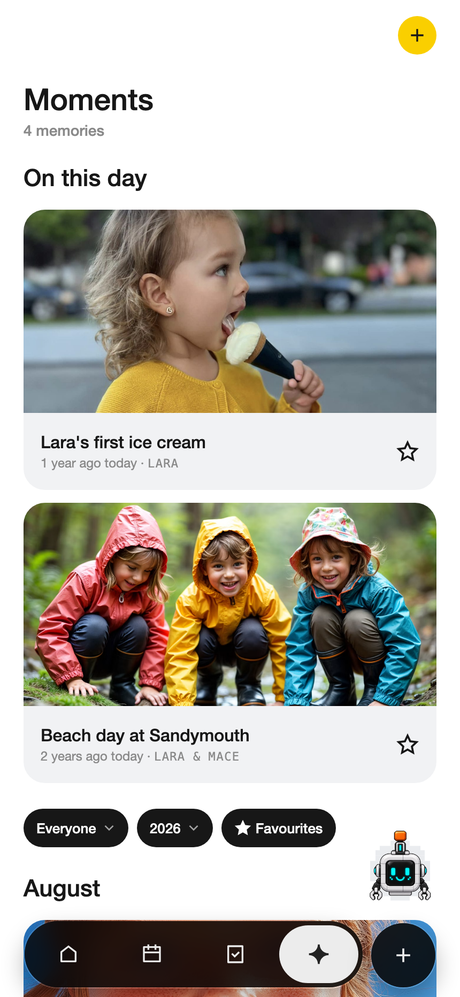
Save the milestones and the small ones: first day, lost tooth, the thing they said at breakfast. A memory book, not a camera roll.

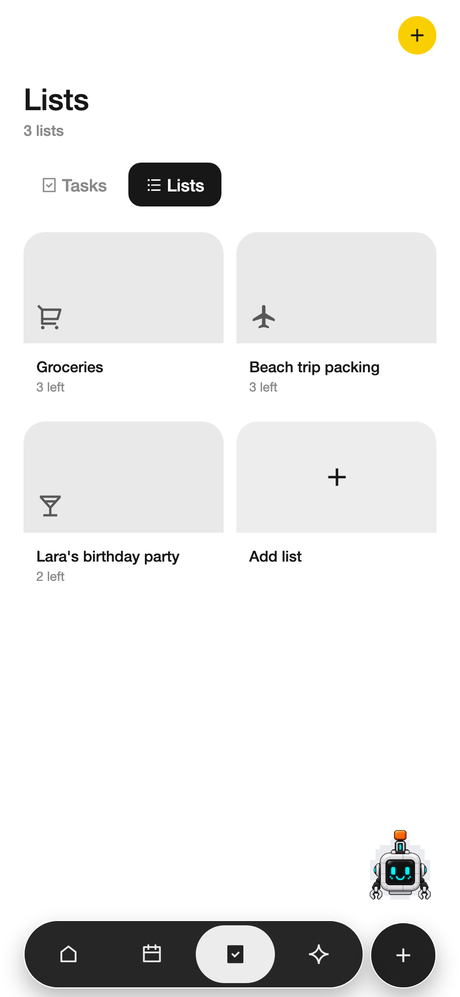
Shopping, packing, gifts, the holiday list you started in March. Add it, check it off, and it's already updated on everyone else's phone.
The companion half isn't a chatbot bolted on the side. It's the small amount of help that makes a shared planner survive contact with a real week.

SPARC is free while we build it, and families who join now are grandfathered: when the paid plan arrives, you keep a second editing adult free, permanently. That's the thanks for being early.
We only use your address to send your invite. Nothing else, ever.
SPARC is free and fully useful today. A paid plan called Plus is coming for households that want more editing adults and a moment every week. Nothing to buy on this page. This is what it will look like when it lands.
Everything a household needs to run a week.
About $2.50 a month, billed yearly. Or $3.99 monthly. One subscription covers the whole household. Per family, not per seat.
Free, nothing to pay, no ads. Join the beta and you'll have it before the store does, with founding-family perks that don't expire.
iPhone first. Android to follow.
Request an invite above. We're letting families in gradually so we can actually read the feedback. You'll get a TestFlight link (iPhone) or a Play testing link (Android) when your turn comes round.
Open Settings (tap your avatar) → Family → Invite a member. Share the code that appears; they enter it when they set up the app to join your family space.
There are no passwords. Enter your email and we send a one-time code. Type that in and you're in. If the code doesn't arrive, check your spam folder and that the address is spelled correctly.
Settings → Family → Add, then their name and any details you want. Children don't get their own login. They're profiles inside your family space that you manage.
Yes. When you allow calendar access, your family events are added to your device calendar (and Google, if that's connected to it). We only add your events. We don't read the rest of your calendar.
Yes. Each family's space is visible only to that family, enforced at the database level rather than just hidden in the app. We don't sell your data and we don't use it for advertising. The full detail is in the Privacy Policy.
No. Plus is a plan we're building that will add more editing adults, a new moment every week, and Bot Companion. It isn't available to buy. There's no payment in the app right now. Families who join during the beta keep founding perks, and can test Bot Companion free in the meantime.
Settings → Preferences. Switch between light and dark, or follow your phone.
Settings → Security → Delete account. That removes your account, and if you're the family owner, your family space and all of its events, tasks, lists, moments and photos. It can't be undone.
The app stays free. Plus is planned at $29.99 a year (or $3.99 a month) per household, with a 7-day trial. Beta families keep a second editing adult free.
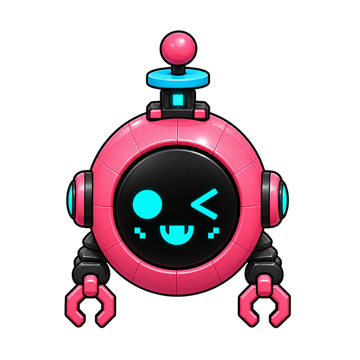
Everyone in the family picks one. It becomes their colour on the calendar, so even the kids who can't read yet know which events are theirs.
 Zing
Spark
Zing
Spark
 Orbit
Orbit
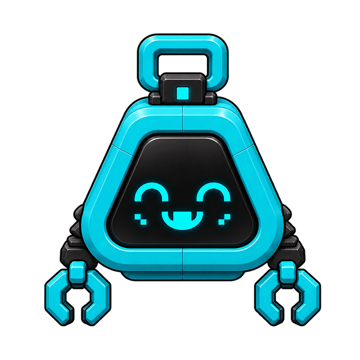 Byte
Skye
Byte
Skye
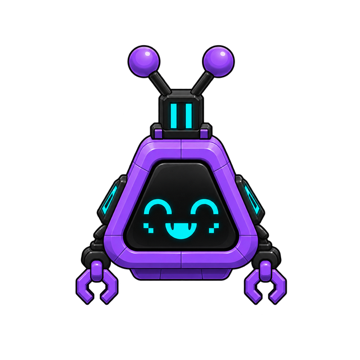 Lumi
Elise
Lumi
Elise
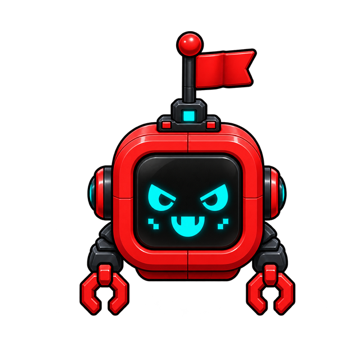 Mace
Mace
 Mochi
Mochi
 Pip
Nova
Nox
Pip
Nova
Nox
We're small, we read every message, and we aim to reply within two working days.
Bugs, questions, a feature you wish existed, or a request to delete your data. All of it comes to the same inbox.